The new voice is almost the last step, not the first
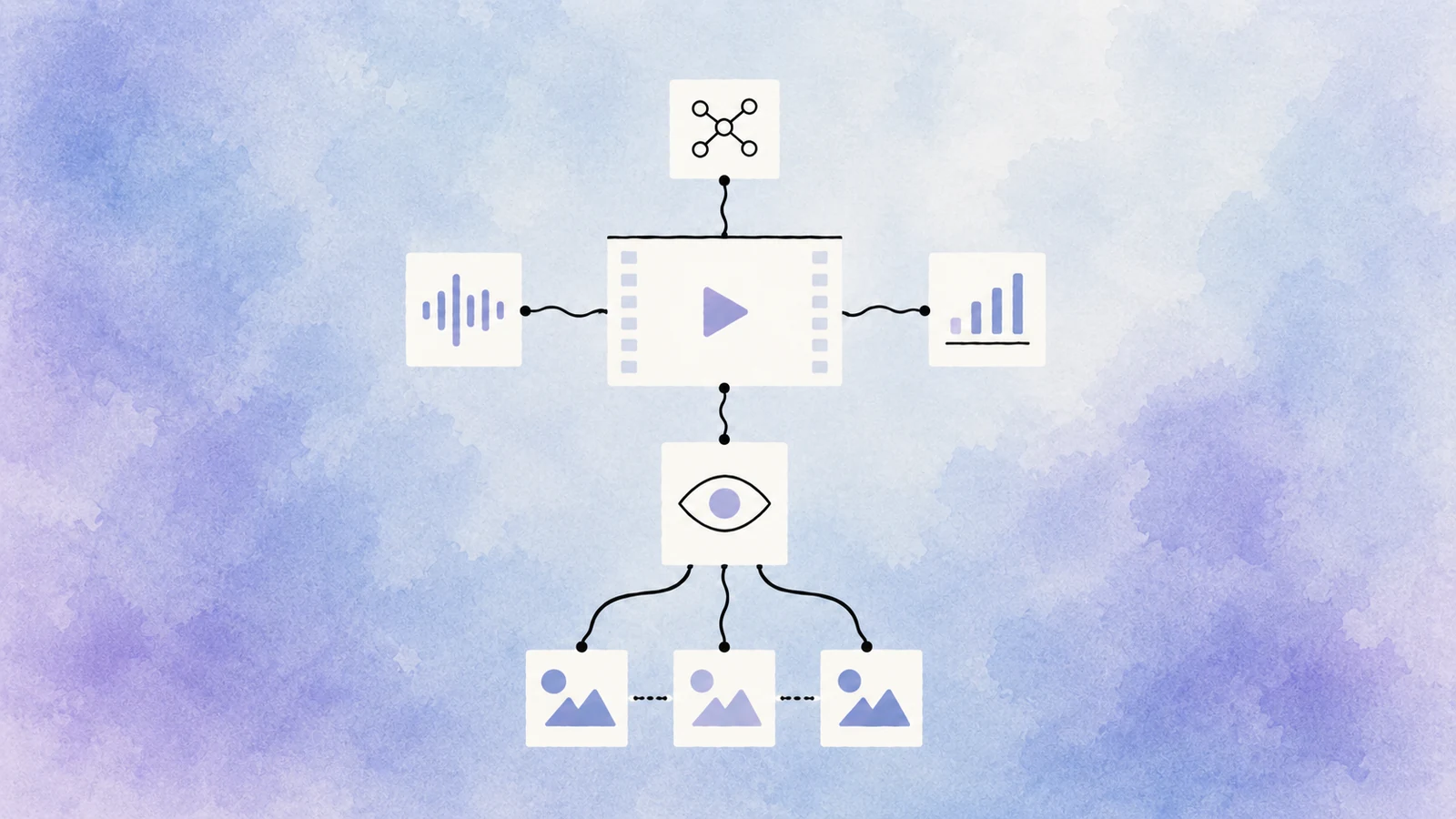
Translating a video means rebuilding its audio layer. The service must first extract speech, mark the beginning and end of each line, distinguish the speakers and prepare a contextual translation. A good generated voice cannot rescue errors made at those earlier stages.
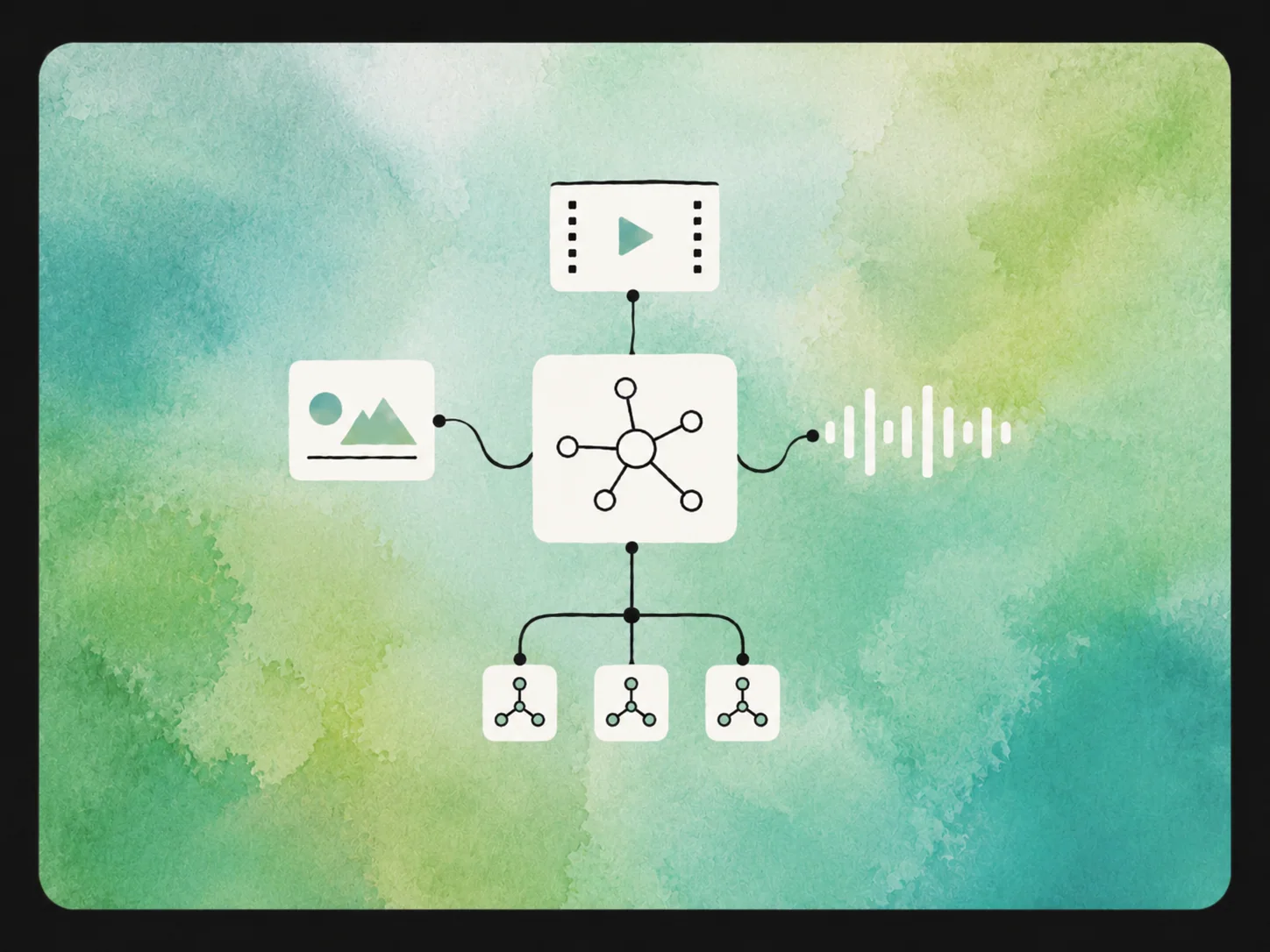
We built GistiQ Dub as a standalone project workspace. A user uploads a file or supplies a link, then works with one connected set of source text, translation, speakers, generated clips and final outputs rather than moving unrelated files between tools.
First, separate the host from the guest
After upload, the service separates the soundtrack and transcribes speech with timing information. It then identifies which lines belong to different participants. This matters for interviews, podcasts and courses, where a host and guest should not suddenly speak with the same voice.
Line boundaries remain editable. If a short reaction has been attached to the next speaker, or two people talk over one another, the problem can be corrected before it spreads into translation and voice generation.
An accurate translation still has to fit the scene
The text is translated with neighbouring lines as context. That helps preserve references, pronouns and the meaning of short replies. Timing matters too: an accurate translation may be much longer than the original and fail to fit the scene.
Names, product terms and recurring expressions are collected for review. When a line overruns its available time, the editor can shorten the wording, adjust that line’s pace or deliberately retain part of the original rather than hiding the conflict.
Each participant keeps their own voice
Different licensed voices can be assigned to the detected participants. The choice is stored for the speaker across the whole video, and changing it only requires the associated clips to be generated again.
A supplied voice sample can also be used when the owner has consented and the intended use is clear. The capability is not permission to impersonate anyone. For ordinary localisation, voices with established usage rights remain the safer default.
A mistake at minute forty does not restart the project
Names, product terms, humour and tone routinely need human correction. The workspace therefore keeps the source line, translation, speaker and time range together. An editor can see exactly what will be heard and where.
The editor can change the wording, select another voice, replace a generated clip with a recording, or regenerate a single line. One mistake in an hour-long video should not restart transcription and translation for the entire project.
The voices must not erase the music or the room
Prepared lines are placed back into their source time ranges and combined into a new track. Music, room sound and other ambience still matter: replacing all original audio would make even a good translation feel detached from the scene.
If a translated line is too long, the editor sees the conflict before final assembly and can shorten the wording or adjust that line. The finished file is produced only after the text and sound have been reviewed.
An hour-long interview can be closed and resumed tomorrow
A long recording with several speakers cannot be processed instantly. The interface shows completed stages and specific failures, so users do not have to keep a page open and guess whether a task has disappeared.
Intermediate work is preserved. If one line fails or final assembly stops, the service resumes from the necessary stage instead of repeating work that has already completed successfully.
The finished video is not the only result
The user receives a finished video with its translated soundtrack and an editable project that can be revisited. Courses, interviews, presentations and recurring programmes can therefore use a repeatable editorial process rather than a one-off manual assembly.
Before publication, a fluent speaker still listens to the complete video. They check names, claims, natural speech and the right to use each chosen voice. GistiQ Dub removes the endless movement of files and repeated assembly. The final button still belongs to an editor who hears a living video, not a collection of isolated lines.